
Name-Based Case Searches
Start at MiCOURT Case Search, the statewide public tool that covers Ionia County cases. Pick your court first. Choose 64-A District Court for traffic, small claims, and many early criminal matters. Choose the 8th Circuit Court for circuit cases. A name search works best when you can copy the spelling straight from an official notice. Remember that the tool is for public display only. So confirm the court, case type, and other details before treating a match as the file you want.
- Open the official MiCOURT Case Search and choose the known Ionia court.
- Enter the last name or business name shown on the official notice.
- Add available first-name, middle-name, court, case-type, or year filters.
- Open a plausible result and compare its court and case information to the notice.
| Official field | Use | Required | Search note |
|---|---|---|---|
| Choose a court | Selector | No | C08 and D64A routes make an Ionia County search more precise. |
| Last Name or Business | Text | Varies | Use the spelling from the notice when possible. |
| First Name or Middle Name | Text | No | Helpful when the last name is common. |
| Case type or year | Filter | No | Narrow only when the notice supplies a reliable detail. |
Ionia County Case Search Court Selection
The court selector matters more than it looks. Pick 64-A District Court for traffic, civil infractions, misdemeanors, small claims, district civil cases, and felony preliminary activity. The 8th Circuit Court serves Ionia and Montcalm Counties. It covers circuit civil, felony, family, and appeal matters. When you select the court named on the ticket, summons, or prior paper, unrelated matches drop away. That also explains why a familiar local name may be missing from the first result set. The official 64-A MiCOURT route shows the district-court path. Choose the court before reading anything into a name match.
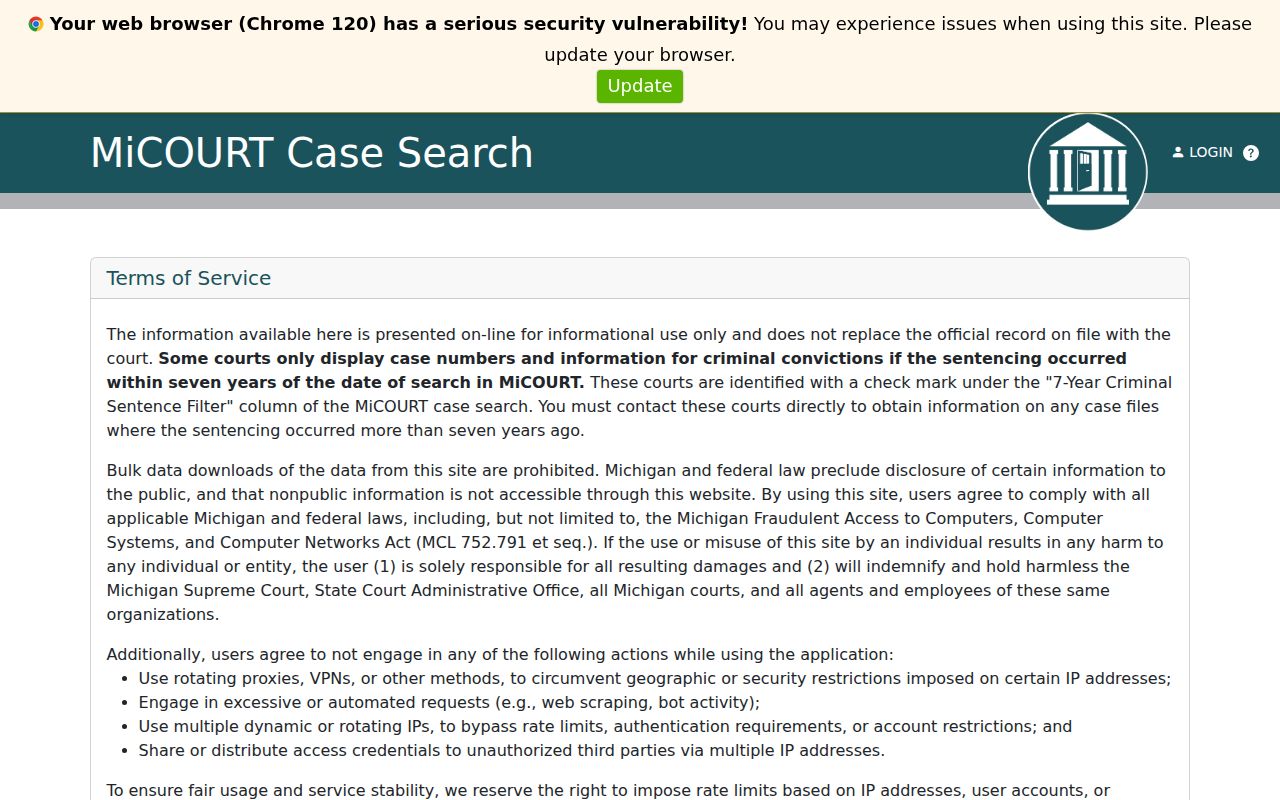
A district result may capture only the start of a felony matter. After bindover, later felony activity sits in the circuit-court record.
Case Number Searches
A case number is the most direct route into an Ionia County docket search. MiCOURT asks for year, number, and type as separate fields. Copy the number exactly as it appears on the citation, summons, court notice, or prior order. The safe way to read an entry is year / number / type. Do not guess at a local code pattern. If the number leads to a different court than expected, follow the court named in the record. One number identifies one court file, not every related proceeding. A district preliminary record and a later circuit record can be two separate public search paths. Keep the original notice close. Keep its punctuation and court designation intact. Call the named clerk if the number will not come up in the public display.
Ionia County Case Search and MiFILE
MiFILE and MiCOURT do different jobs. MiCOURT is where the public searches cases. MiFILE, also called TrueFiling, is an electronic filing system. It serves authorized users and eligible courts or case types. Ionia 64-A District Court and Probate Court appear in the state's available-courts information. Filing access does not open public access to every record, though. A login page is never a substitute for the public Case Search screen. The official MiFILE sign-in page shows that separate filing environment. It belongs on the filing side of a case, not the public lookup side.
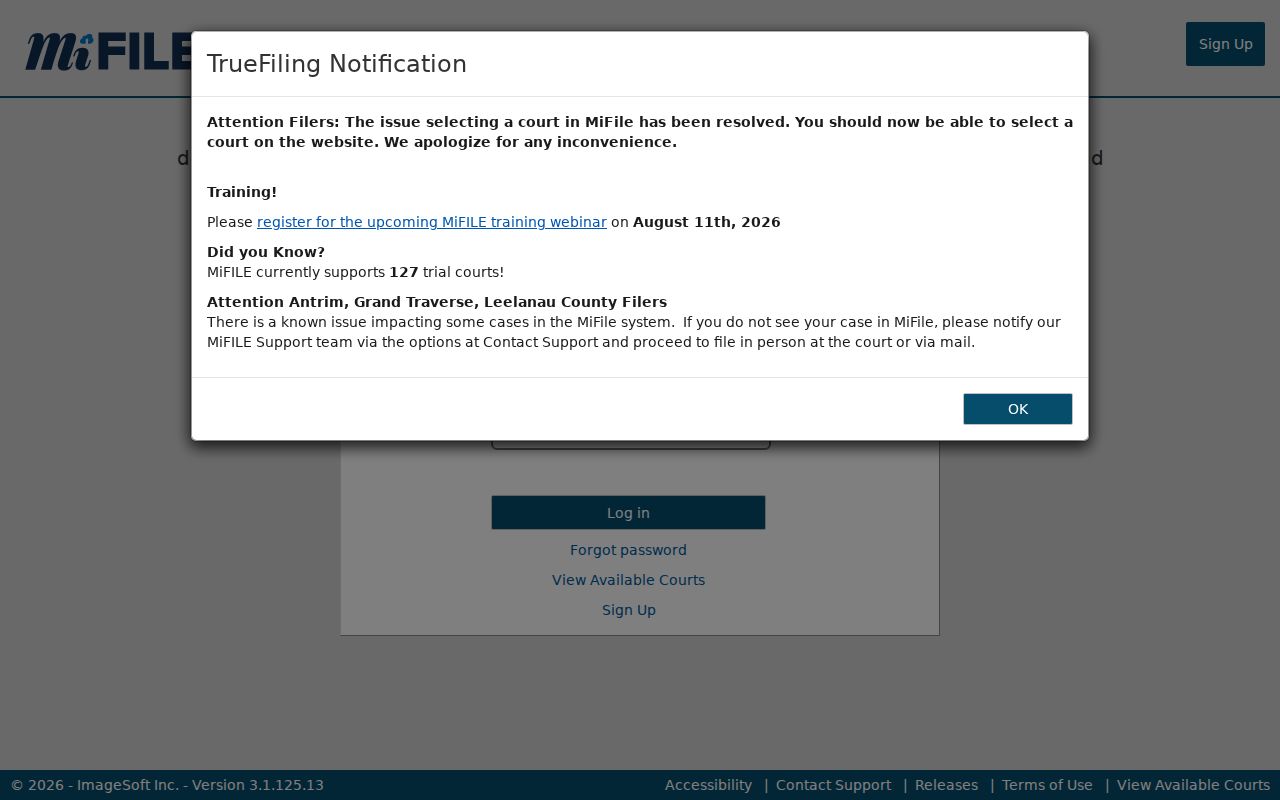
For a public record question, start with MiCOURT or the court clerk. Use MiFILE only when the court's filing instructions call for it.
Case Search Results Explained
An Ionia County search result is a public case-history view, not a certified file. Depending on the court and public status, the display may show the case number, court, case type, filing date, hearing information, event history, disposition, judgment, or costs. Some fields can be absent. Public display does not guarantee that every document or protected detail appears. For an official copy, the court record itself, not a portal printout, remains the source.
| Case number | Identifies the court file and supports a more precise clerk request. |
|---|---|
| Court and division | Shows whether the file belongs with 64-A, the 8th Circuit, or another court. |
| Case type | Describes the public category, such as civil, criminal, traffic, family, or probate. |
| Case history | May list filed events, hearing dates, rulings, dispositions, judgments, or costs. |
| Public limits | Restricted records, redacted information, and nonpublic documents may not display. |
Reading Ionia County Case Search Fields
Treat the visible fields as routing clues, not as a full story of the case. A hearing schedule can list the date, time, court, division, case number, and hearing description. The case-history view may offer a different level of detail. The state's interface reference describes participant-name fields, court selection, and case-number fields, and its developer reference shares that same field vocabulary without being a public consumer portal. The official MiCOURT case-search reference lays out the field vocabulary used around the system. It shows why a court choice and an exact case number beat a bare name every time.
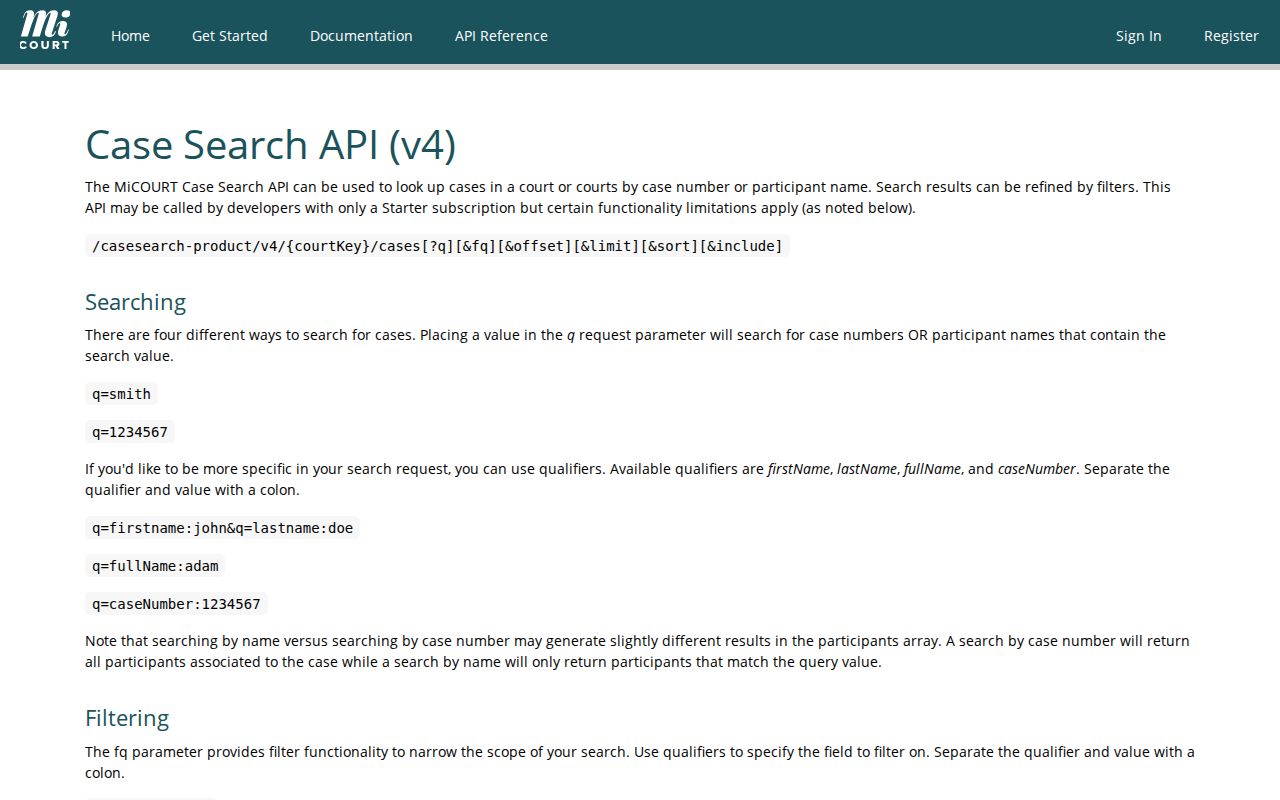
Never use a displayed field to guess at protected personal information. Nor can it reveal the content of a document the public view withholds.
Two Ways to Search: County and State
MiCOURT is statewide. Its direct court pages give a county-focused route into known Ionia venues. Unsure which court holds the case, or holding nothing more than a name? Start statewide. When the notice names the court, start with the direct 64-A or 8th Circuit selection. Either way, the portal does not replace a clerk request. It cannot handle inspection, a certified copy, a correction, or a document that is not publicly attached.
| Search path | Best use | Important limit |
|---|---|---|
| MiCOURT general Case Search | Beginning when the court is unknown | Results depend on participating court, case type, and public status. |
| 64-A direct route | District, traffic, civil, small claims, or early criminal matters | It does not replace a circuit record after felony bindover. |
| 8th Circuit direct route | Known circuit civil, criminal, family, or appeal matters | The shared circuit arrangement can affect calendar location. |
| Clerk or court office | Copies, inspection, older information, and access questions | Public access remains subject to restrictions and redaction. |
Why Ionia County Case Search Has Direct Routes
Ionia County splits its court records across three offices. The Ionia County Clerk holds the circuit-court files and filings. The 64-A District Court keeps its own criminal, civil, traffic, and small-claims records. Probate and probate-family cases sit with the Probate Register. MiCOURT can help you spot a case in public history, but the office that holds the file controls copies, record review, filing help, and any question about a result.
County FOIA is a separate road. It covers administrative county records, not court files, which follow the court-access rule instead. Once an Ionia County case search turns up the case you need, the Ionia County court case records page walks through the detailed request path.
Which Cases Stay Restricted
Michigan Court Rule 8.119 opens case records to public inspection. A statute, court rule, or order can restrict access. That is a broad door, but not everything fits through it. Juvenile, adoption, personal protection order, mental-health, name-change, and will cases can be nonpublic or limited. Sealed, suppressed, or redacted material stays out of ordinary public display too. Protected personal identifiers are never exposed.
So read a zero result with care. It means only that the case did not appear in the public display you searched. It does not mean no record exists. The named court, clerk, or Probate Register can explain the proper request path and any authorization you need. That happens without disclosing what the law protects.
An Ionia County Case Search Zero Result
A no-match result can come from several things. The court selection may be wrong, or the spelling may differ from the notice. The case may not yet be in the public display, or access may be restricted. State guidance also flags a seven-year criminal sentence filter in public search. Set a court filter. Retry with the exact case number. Compare the result against the official notice before you call the court.
Useful next step: For a known Ionia case that does not appear, contact the court named on the notice for older information, a restricted-case question, a certified copy, or a correction question. A public portal result is informational rather than conclusive.
Older Ionia County Case Search Results
Older criminal information is the strongest reason to go straight to the court. MiCOURT's public display can be limited by the age of the criminal sentence. Older files can still carry access restrictions. For circuit matters, the County Clerk lists mail and email record-request methods. It also offers in-person or virtual record-review appointments. District matters go to the proper 64-A division. Probate questions belong with the Probate Register, which knows the record and its access boundary.
These contacts are not just backup search tools. They are the correct way to request an official copy. Use them to book a review appointment or ask about a file that shows less detail online than expected.
Keeping Ionia County Case Search and Hearing Schedules Separate
Ionia County runs case search and hearing schedules as separate services. A hearing schedule is date-driven. It can show the court, division, time, case number, and hearing description. It is not the full case history. Dates also move through adjournment or special setting. The notice and current court instruction control the details of any appearance. Search the case first for history. Then check the hearing schedule and confirm timing with the court.
The split matters most in the shared 8th Circuit. Judges and staff there alternate between Ionia and Montcalm Counties. Even a result that names the correct court deserves a check against current hearing information before anyone acts on a date.
Ionia County Case Search for Circuit Matters
The 8th Circuit is the right next stop for a circuit civil case. That includes a felony after bindover, many family matters, or an appeal. It serves both Ionia and Montcalm Counties. The court selection identifies the record; the hearing schedule supplies current timing. The official 8th Circuit MiCOURT route narrows the public search to that court. The page itself shows this.
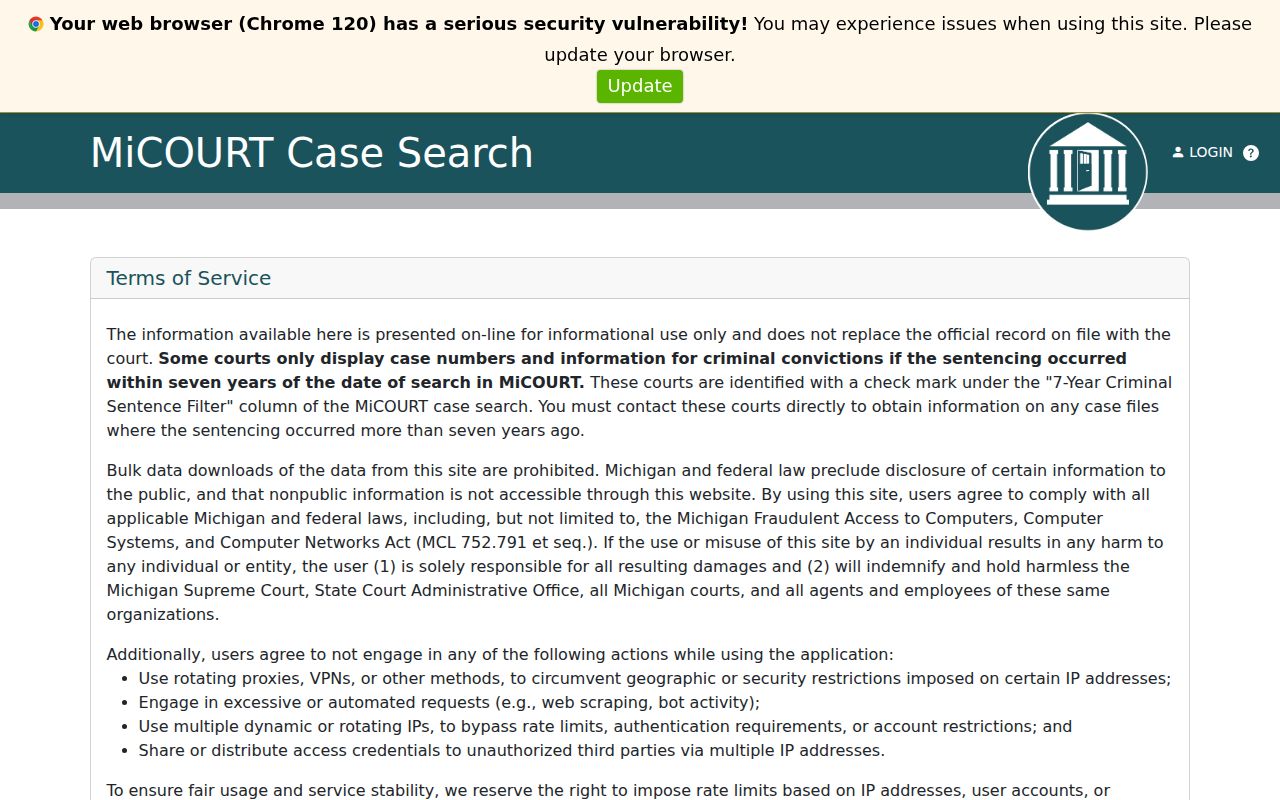
A circuit search result can help you identify the case history. Certified copies and record-review arrangements remain matters for the Ionia County Clerk.